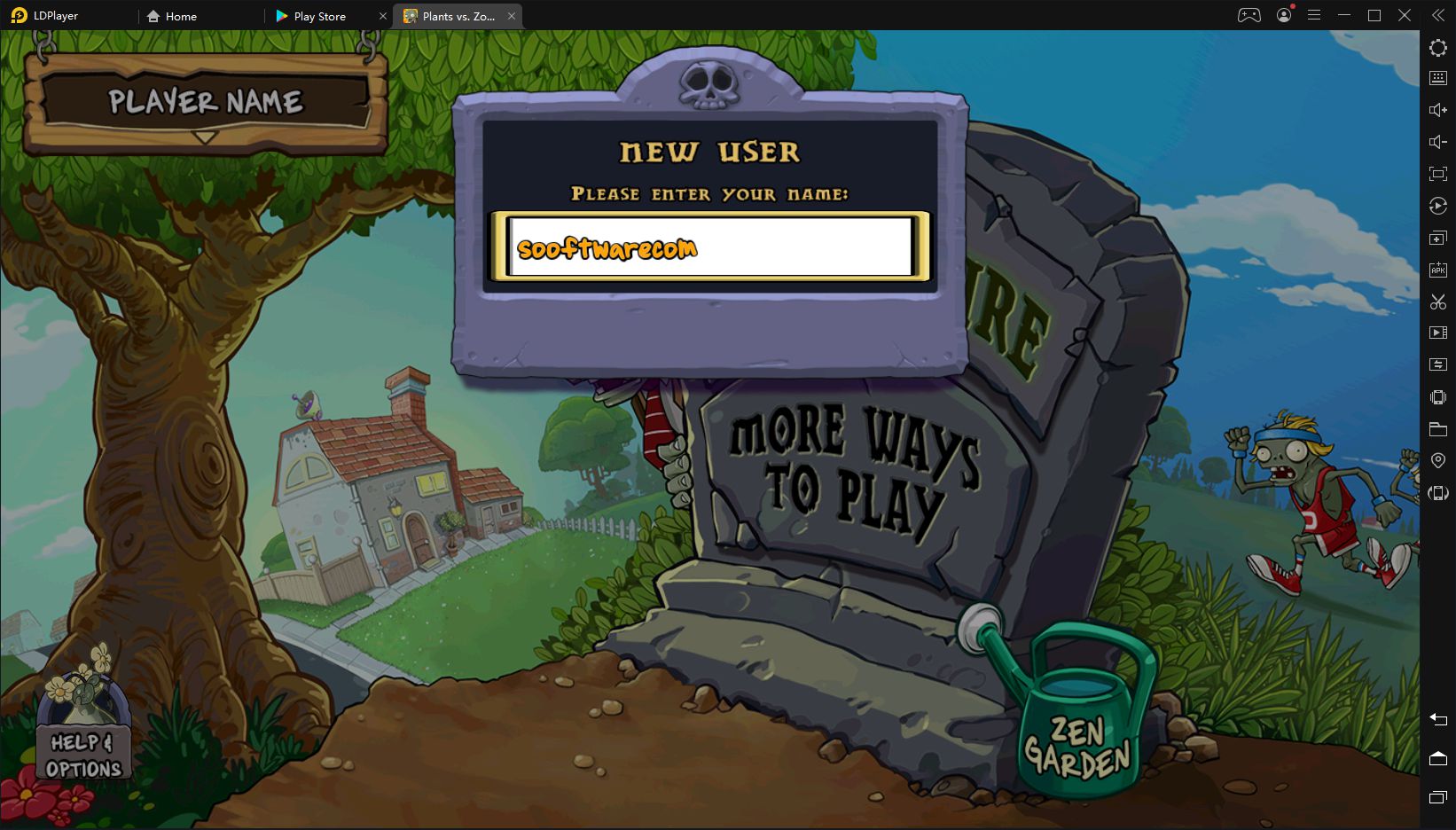
The evolution of Android gaming has led to a surge in the popularity of emulators, which allow people to run virtual Android machines on their PCs and laptops. Popular games often include major titles like PUBG Mobile, Call of Duty Mobile, or others that can be enjoyed more easily with a mouse and keyboard. Let's review LDPlayer and see how it compares to the competition.
A straightforward, lightweight experience
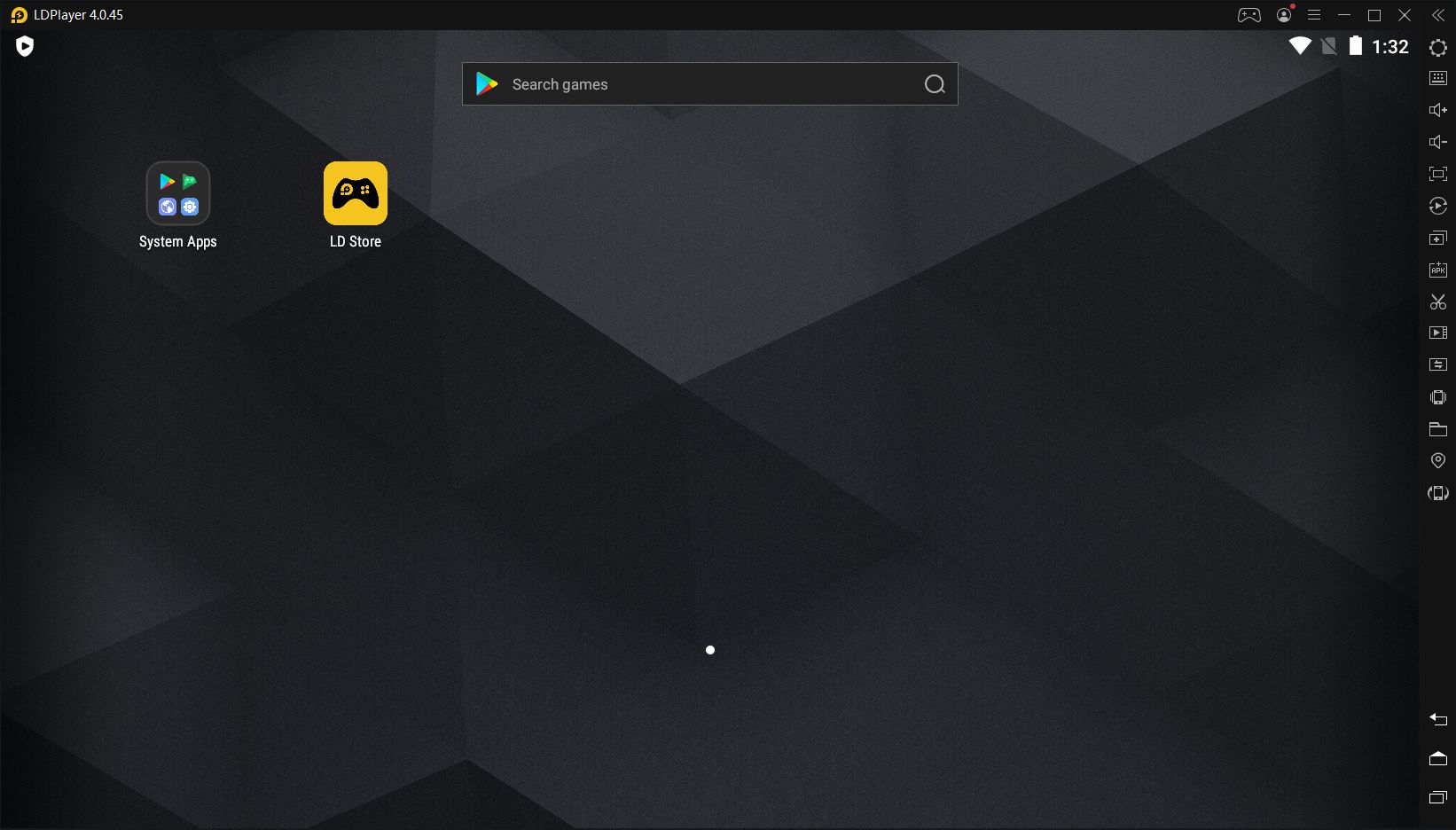
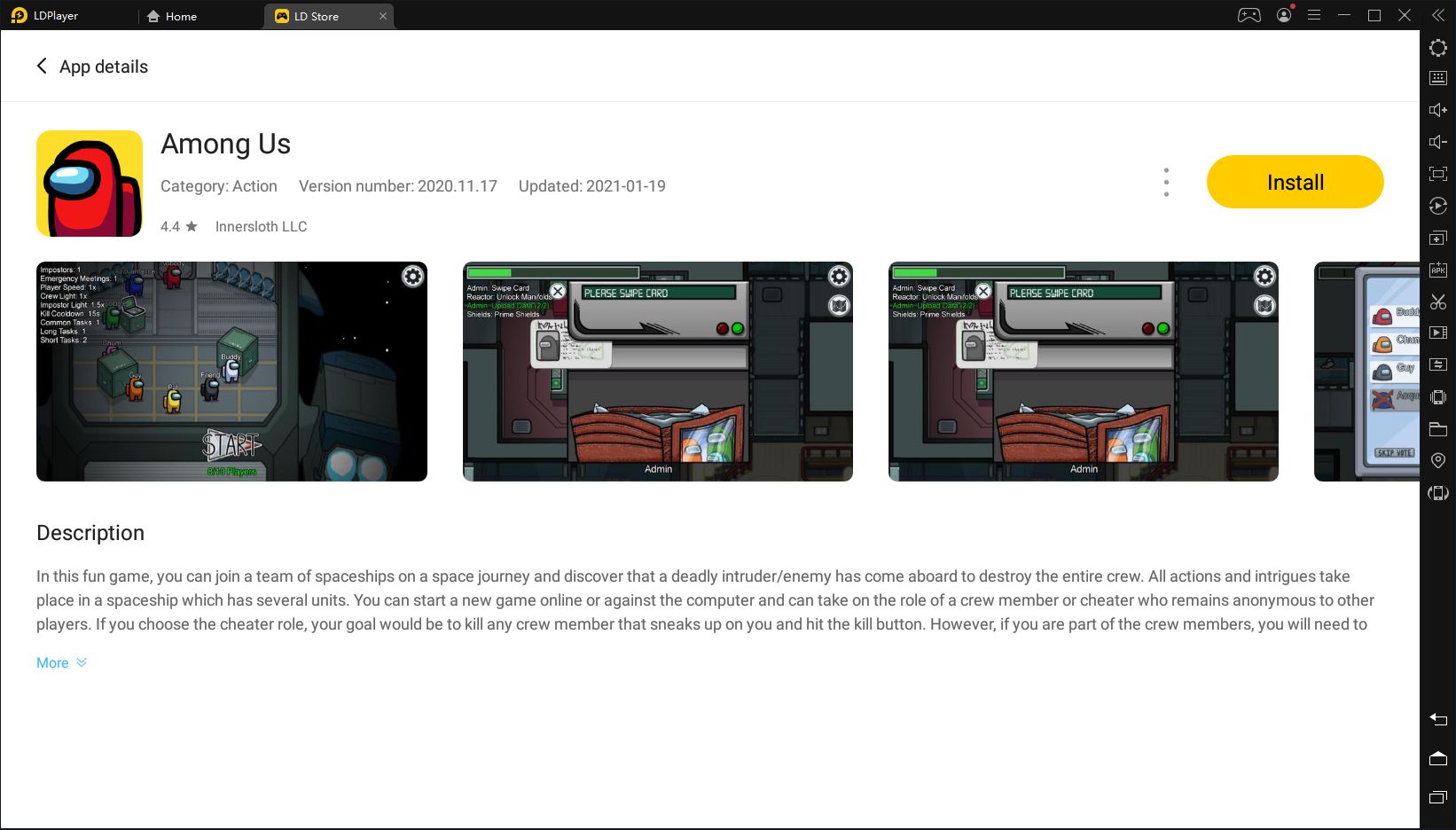
LDPlayer focuses on simplicity. It downloads, installs, and runs without any issues or pop-ups. However, in the past, users complained about the installer installing LD News adware without asking for consent, which some categorized as a malicious move by the developer. This was resolved in newer versions. Once you open it, you'll see an Android tablet-like UI with a few available icons. You can sign into the Play Store to download apps and games, or you can drag and drop APK files to install them.Performance and optimization
Despite PCs and laptops having more processing power than mobile devices, that doesn't necessarily mean that emulators are better than smartphones or tablets. Optimization is key, and based on user feedback, LDPlayer delivers better than the competition, but official benchmarks are hard to find. Our testing discovered that, while high-end games are playable, your PC/laptop will still need to pack a decent graphics card along with at least 8 GB of RAM.Customizing your controls and settings
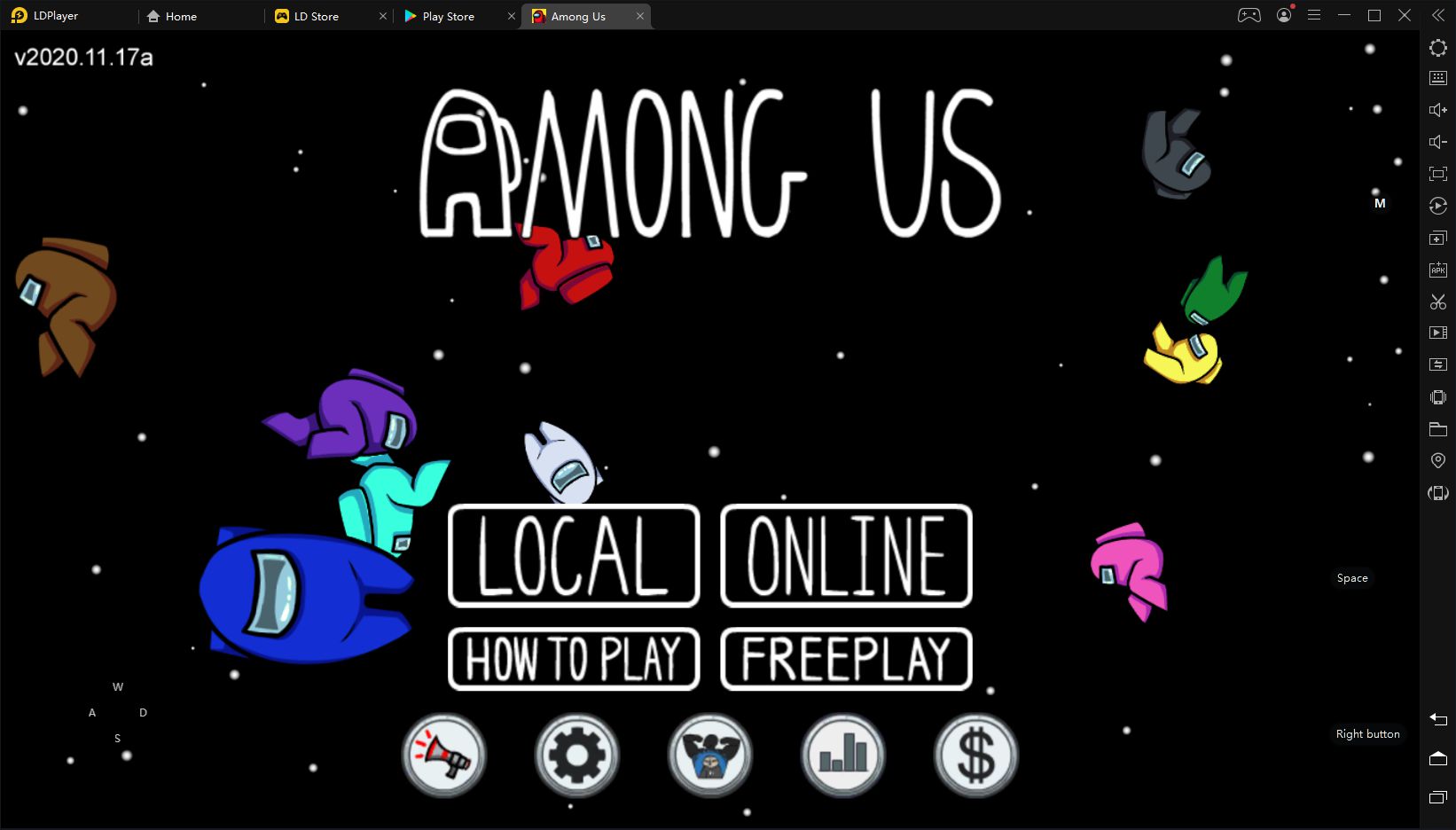
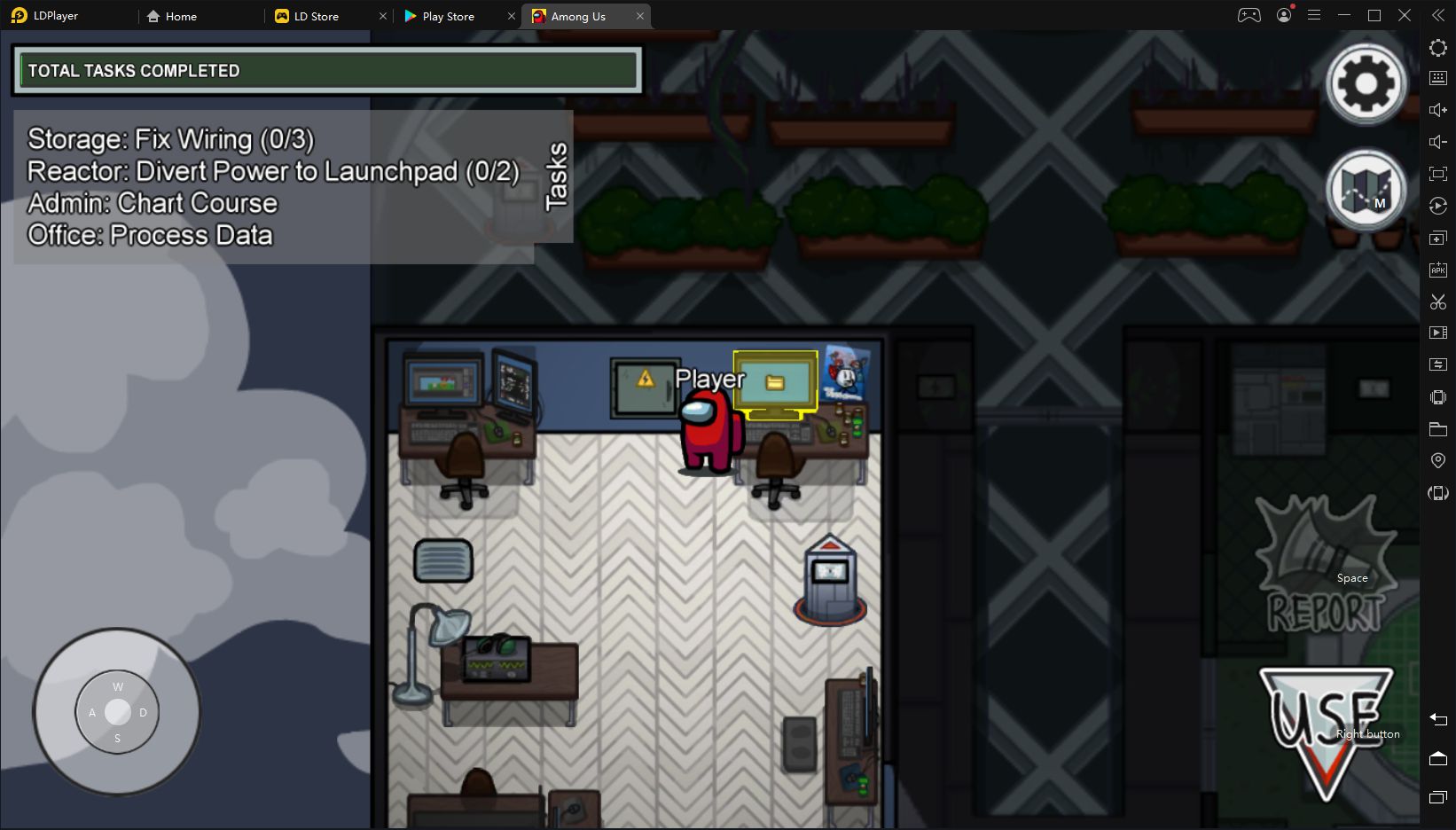
LDPlayer makes sure that keyboard binding is smooth and logical for each game. We didn't need any help to play Among Us because the controls were very intuitive. If you still feel like some of the controls aren't well-suited for the specific game, the right-side menu contains the option to change controls quickly. Besides keyboard mapping, you'll find options in this menu like volume controls, fullscreen switch, multi-player, synchronizer (one action repeats across many LDPlayer windows), screenshots/video recording, screen rotation, and device shaking.Advanced system settings
LDPlayer settings enable even further control where you can select the number of cores and GB of RAM for the emulator to use. You can also switch between tablet and smartphone resolutions and preset models. There are some custom options for popular games like League of Legends Mobile and PUBG Mobile.A highly capable emulator for Windows
LDPlayer certainly deserves to be mentioned among the top Android emulators for Windows, and it doesn't get all the credit it deserves. The sheer simplicity of getting started along with so many customization options makes LDPlayer a versatile emulator for all audiences. Also, don't forget, it's free to use!